Maya – Python
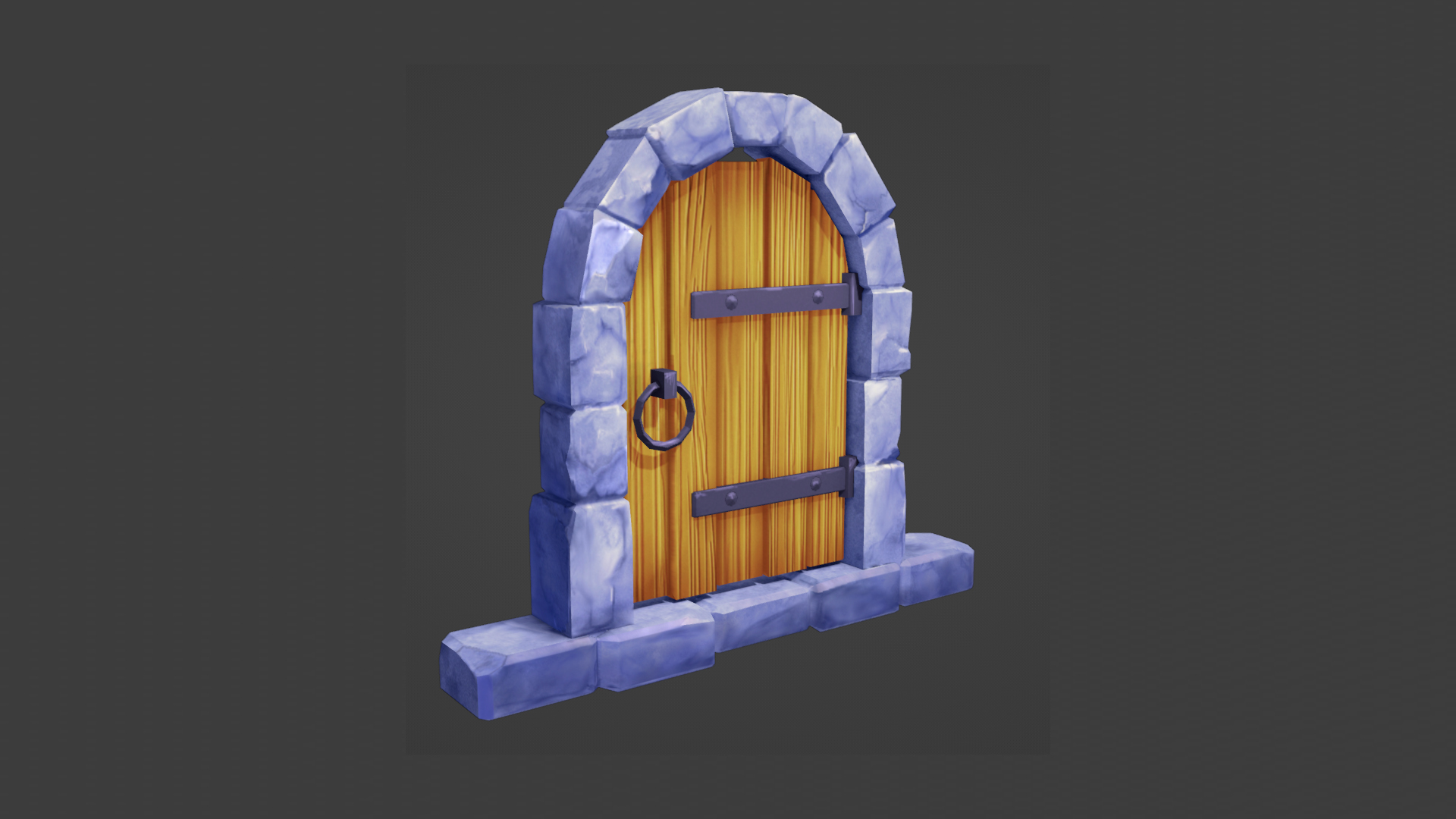
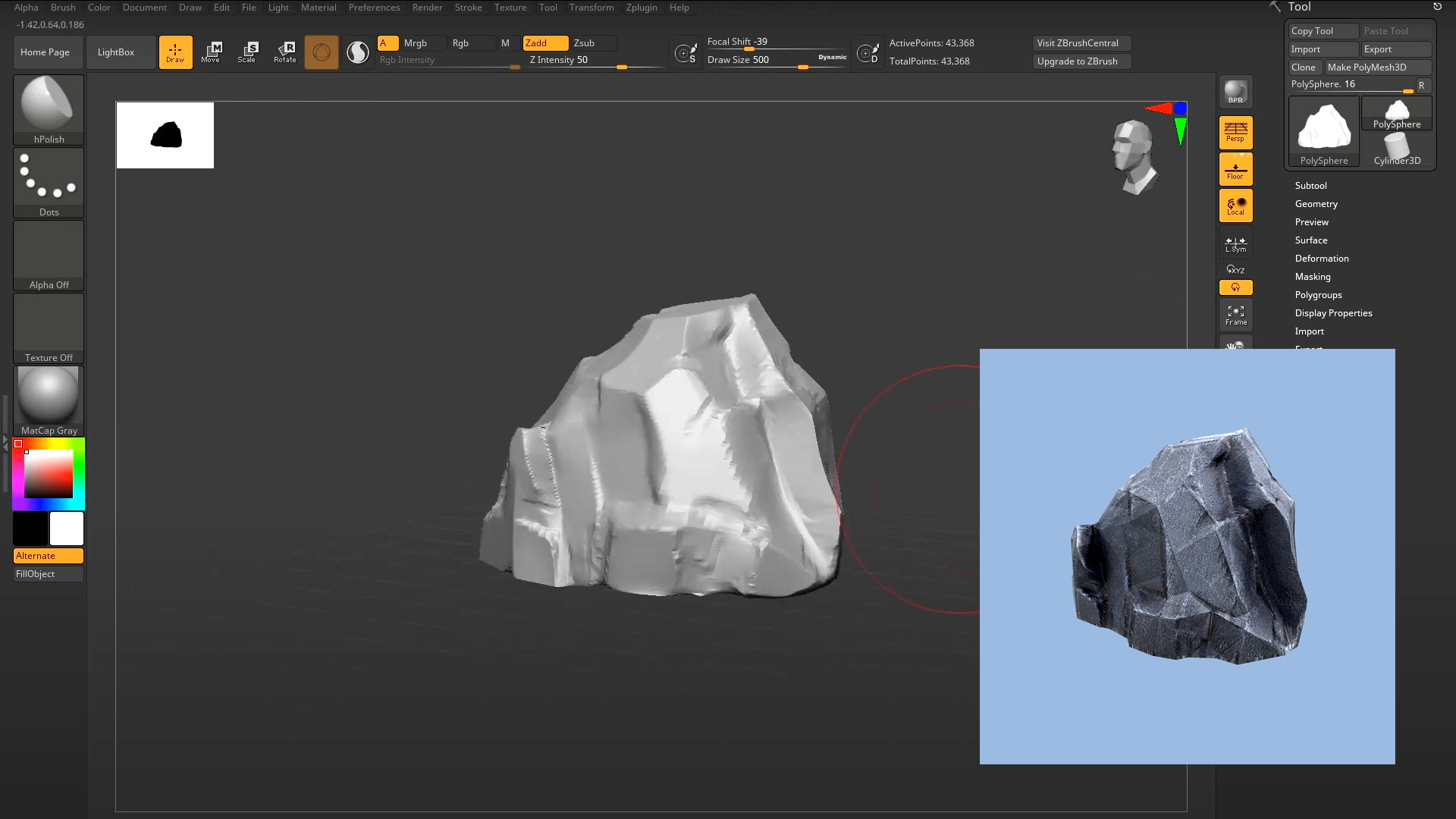
レベルデザインなどにおいて、木や岩や草などの自然物を大量に複製、移動、変形して
配置する作業が頻繁に発注しますが、その作業が非常に負荷が大きいので、その作業を
効率化して負荷軽減するためのスクリプトを作成致しました。
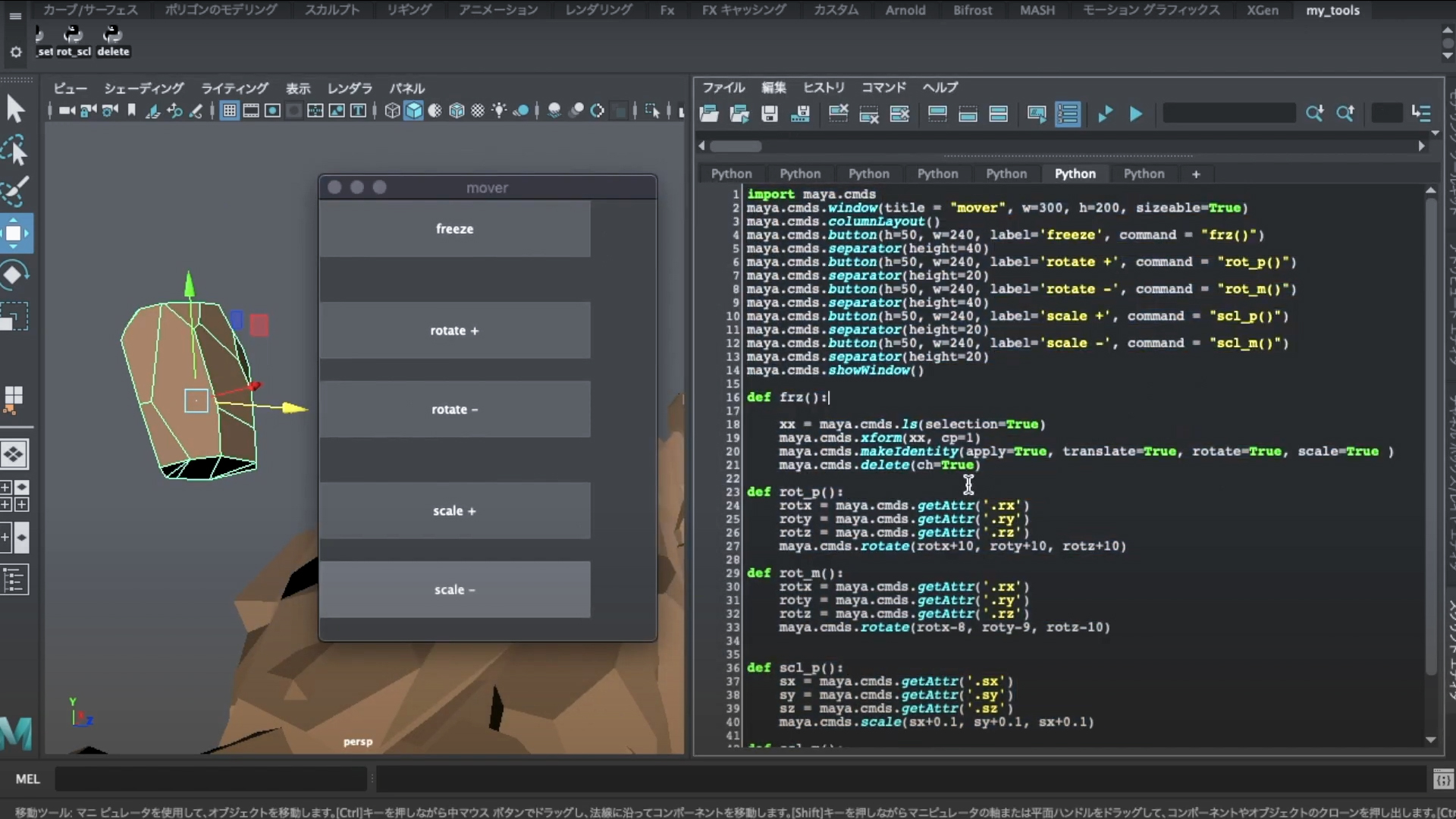
1import maya.cmds
2maya.cmds.window(title = "mover", w=300, h=200, sizeable=True)
3maya.cmds.columnLayout()
4maya.cmds.button(h=50, w=240, label='freeze', command = "frz()")
5maya.cmds.separator(height=40)
6maya.cmds.button(h=50, w=240, label='rotate +', command = "rot_p()")
7maya.cmds.separator(height=20)
8maya.cmds.button(h=50, w=240, label='rotate -', command = "rot_m()")
9maya.cmds.separator(height=40)
10maya.cmds.button(h=50, w=240, label='scale +', command = "scl_p()")
11maya.cmds.separator(height=20)
12maya.cmds.button(h=50, w=240, label='scale -', command = "scl_m()")
13maya.cmds.separator(height=20)
14maya.cmds.showWindow()
15
16def frz():
17
18    xx = maya.cmds.ls(selection=True)
19    maya.cmds.xform(xx, cp=1)
20    maya.cmds.makeIdentity(apply=True, translate=True, rotate=True, scale=True )
21    maya.cmds.delete(ch=True)
22
23def rot_p():
24    rotx = maya.cmds.getAttr('.rx')
25    roty = maya.cmds.getAttr('.ry')
26    rotz = maya.cmds.getAttr('.rz')
27    maya.cmds.rotate(rotx+10, roty+10, rotz+10)
28
29def rot_m():
30    rotx = maya.cmds.getAttr('.rx')
31    roty = maya.cmds.getAttr('.ry')
32    rotz = maya.cmds.getAttr('.rz')
33    maya.cmds.rotate(rotx-8, roty-9, rotz-10)
34
35
36def scl_p():
37    sx = maya.cmds.getAttr('.sx')
38    sy = maya.cmds.getAttr('.sy')
39    sz = maya.cmds.getAttr('.sz')
40    maya.cmds.scale(sx+0.1, sy+0.1, sx+0.1)
41
42def scl_m():
43    sx = maya.cmds.getAttr('.sx')
44    sy = maya.cmds.getAttr('.sy')
45    sz = maya.cmds.getAttr('.sz')
46 maya.cmds.scale(sx-0.15, sy-0.125, sx-0.11)Blender – Python
Blenderで同じ機能を作成致しました。

1import bpy
2
3class RotPlus(bpy.types.Operator):
4    """Tooltip"""
5    bl_idname = "object.rot_plus_operator"
6    bl_label = "+ rotate"
7
8    def execute(self, context):
9        bpy.ops.transform.rotate(value=0.5, orient_axis='Z', orient_type='GLOBAL')
10
11        return {'FINISHED'}
12
13class RotMinus(bpy.types.Operator):
14    """Tooltip"""
15    bl_idname = "object.rot_minus_operator"
16    bl_label = "- rotate"
17
18    def execute(self, context):
19        bpy.ops.transform.rotate(value=-0.5, orient_axis='Z', orient_type='GLOBAL')
20
21        return {'FINISHED'}
22
23class SclPlus(bpy.types.Operator):
24    """Tooltip"""
25    bl_idname = "object.scl_plus_operator"
26    bl_label = "+ scale"
27
28    def execute(self, context):
29        bpy.ops.transform.resize(value=(1.05, 1.05, 1.05), orient_type='GLOBAL')
30
31
32        return {'FINISHED'}
33
34class SclMinus(bpy.types.Operator):
35    """Tooltip"""
36    bl_idname = "object.scl_minus_operator"
37    bl_label = "- scale"
38
39    def execute(self, context):
40        bpy.ops.transform.resize(value=(0.95, 0.95, 0.95), orient_type='GLOBAL')
41
42
43        return {'FINISHED'}
44
45
46class TraPanel(bpy.types.Panel):
47    """Creates a Panel in the Object properties window"""
48    bl_label = "_Mytransform_"
49    bl_idname = "OBJECT_PT_hello"
50    bl_space_type = 'VIEW_3D'
51    bl_region_type = 'UI'
52    bl_category = "tra"
53
54    def draw(self, context):
55        layout = self.layout
56
57        row = layout.row()
58        row.operator("object.rot_plus_operator")
59
60        row = layout.row()
61        row = layout.row()
62
63        row = layout.row()
64        row.operator("object.rot_minus_operator")
65
66        row = layout.row()
67        row = layout.row()
68
69        row = layout.row()
70        row.operator("object.scl_plus_operator")
71
72        row = layout.row()
73        row = layout.row()
74
75        row = layout.row()
76        row.operator("object.scl_minus_operator")
77
78
79def register():
80    bpy.utils.register_class(RotPlus)
81    bpy.utils.register_class(RotMinus)
82    bpy.utils.register_class(SclPlus)
83    bpy.utils.register_class(SclMinus)
84    bpy.utils.register_class(TraPanel)
85
86
87def unregister():
88    bpy.utils.unregister_class(RotPlus)
89    bpy.utils.unregister_class(RotMinus)
90    bpy.utils.unregister_class(SclPlus)
91    bpy.utils.unregister_class(SclMinus)
92    bpy.utils.unregister_class(TraPanel)
93
94
95if __name__ == "__main__":
96    register()